
By Hannah on July 6, 2026
Students usually aren't aware of everything the library has to offer – sometimes they don't even make it to the library website. What if your library's resources were front and center in their courseware tool? LibGuides CMS makes this possible by allowing you to strategically place library resources right where your students need them the most.
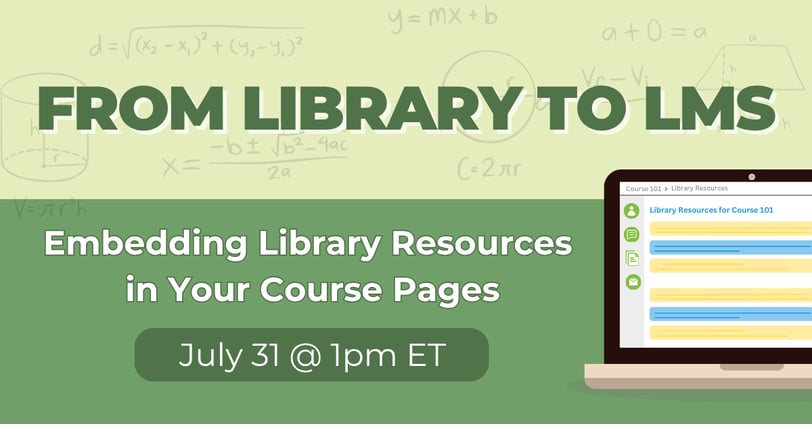
Save your spot in this free webinar on Friday, July 31 at 1pm ET – From Library to LMS: Embedding Library Resources in Your Course Pages. We'll explore how LibGuides CMS's LTI (Learning Tools Interoperability) integration makes it possible to embed subject guides, course resource lists, and library content directly inside your institution's LMS – whether that's Canvas, Blackboard, Moodle, or another platform – no extra login required.
Join us and discover strategies for meeting students where they are! Draw attention to library databases, encourage students to book a study room, connect researchers with their subject librarian, and much more – all within their courseware pages.
What We're Covering:
- What LTI is and how it works within LibGuides CMS
- Step-by-step: how to embed LibGuides, LibAnswers, LibCal, LibChat, and more into your LMS course pages
- The student and faculty experience – what it looks like on their end
- Live Q&A

💡 Note that this webinar is not an in-depth training session. If you already have LibGuides CMS, watch our recorded training session: Using the LTI Tool! (LibApps login required)
Can't attend live and want the recording? Register and choose Watch the Recording and we'll email you a link to the recording after the session's over.